
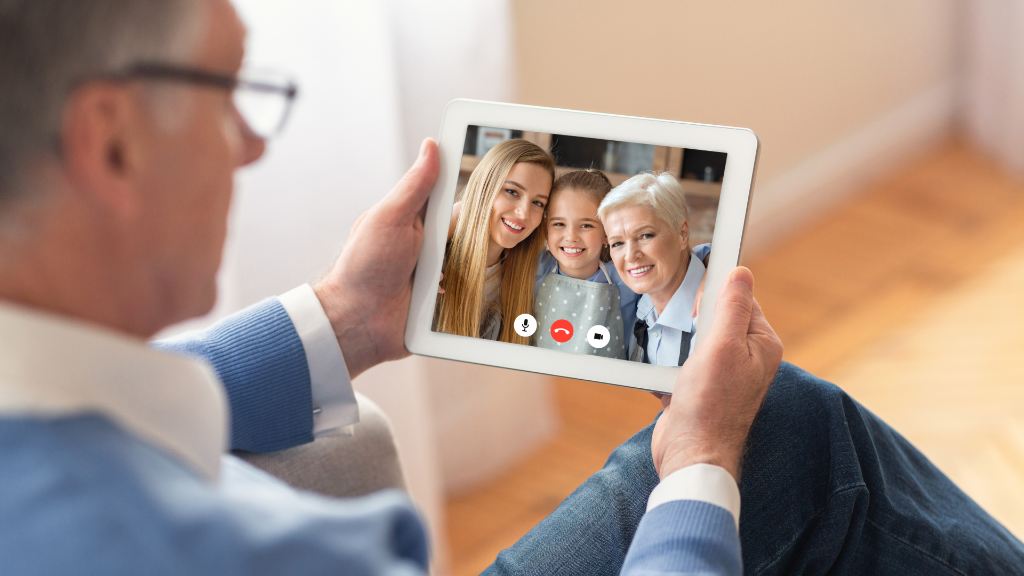
Video chatting is a great way to stay connected to senior loved ones when you can’t be there in person, and for many families it has become the next best thing to a visit. Familiar apps like FaceTime, WhatsApp, and Zoom work well once they’re set up, but not every phone or app is built with older eyes, ears, and hands in mind. For a parent who finds a smartphone frustrating, elderly communication devices often work better, whether that’s a GrandPad tablet, a one-touch Konnekt videophone, or a captioned phone for someone hard of hearing.
What You’ll Find in This Article
- How to Choose the Right Device
- Simple Video-Calling Tablets and Frames
- One-Touch Videophones
- Smart Displays with Voice Assistants
- Simplified Phones for Seniors
- Captioned and Amplified Phones for Hearing Loss
- Two-Way Intercoms for the Home
- Video Chat Apps That Need No Special Device
- Helping a Senior Get Comfortable
- Frequently Asked Questions
How to Choose the Right Device
Before buying anything, match the device to the person. A few honest questions make the choice clearer. How comfortable are they with technology today? Someone who already texts photos will do fine with a tablet or smart display, while someone who finds smartphones frustrating needs a one-touch device. What is the main barrier: poor eyesight calls for a large screen and big buttons, hearing loss calls for captions or amplification, and memory trouble calls for something with no menus to get lost in. Who do they want to reach, and how often? And who will set it up and answer questions in the first few weeks, since almost every senior does better with a little help at the start?
One note before the list: a few once-popular options, including Facebook Portal and Skype, have since been discontinued, so the picks below focus on devices and apps you can still buy and use today.
Simple Video-Calling Tablets and Frames
GrandPad is a simple, secure tablet built specifically for older adults. It keeps the features that matter, including video calls, photos, music, games, and email, and leaves out the clutter that makes a regular tablet confusing. What makes it stand out is that simplicity: every feature, video calling included, is made as easy as possible for a senior to use.
ViewClix takes a different approach as a smart photo frame that doubles as a video-call screen. Family members share photos and place live video calls from a free app on their own phone, and an auto-answer mode lets a senior receive a call without pressing a single button. A frame like this is ideal for someone who would never manage a tablet but lights up when the grandkids appear on the kitchen counter.
One-Touch Videophones
For a parent who struggles with the telephone, let alone a smartphone, the Konnekt Videophone is about as simple as technology gets. It was designed for older adults and people with hearing loss, poor eyesight, shaky hands, or dementia, and it connects face-to-face with one touch. No menus, no passwords, no fancy options. Some models add on-screen captions for those who are hard of hearing. It is the kind of device that lets someone take part in video calling without ever needing to understand the technology behind it.
Smart Displays with Voice Assistants
The Amazon Echo Show and Google Nest Hub are smart displays that handle video calls alongside music, reminders, weather, recipes, and smart-home controls. On the Nest Hub, calls now run through Google Meet, which replaced the older Google Duo app. The Echo Show calls other Alexa users and Echo devices with a screen.
A smart display does more than a single-purpose device, which is part of the appeal for a tech-comfortable senior and part of the drawback for one who is not. If your loved one already enjoys gadgets, it makes a great all-in-one hub. If a screen full of options tends to overwhelm them, a videophone or frame is the kinder choice. Both major displays let you disable the camera and microphone with one tap when privacy matters.
Simplified Phones for Seniors
Sometimes the most useful communication device is simply a phone that is easy to use. The Raz Memory Cell Phone shows a single screen with the faces of a few chosen contacts, which works well for someone with memory loss. Lively, formerly Jitterbug, offers both a large-button flip phone and a simplified smartphone, each with an urgent-response button built in. And a big-button landline phone with photo speed-dial still earns its place, especially for someone who never wants to think about charging a battery.
Captioned and Amplified Phones for Hearing Loss
Hearing loss is one of the most common reasons calls become frustrating. Captioned phones show the words of the conversation on a screen in near real time, so a senior can read along while they listen. Under a federally funded program, captioned phones are available at no cost to people with hearing loss who have a professional’s certification, through providers such as CaptionCall and CapTel. Amplified phones, which boost volume and sharpen tone, are a simpler option for milder hearing loss.
Two-Way Intercoms for the Home
Not all communication happens across town. When a caregiver or family member shares the home, a two-way intercom lets them check in room to room without calling up the stairs. Modern voice intercoms range from simple wireless units to ones that work through a smart speaker, and some seniors find them far less intimidating than a phone for everyday “are you okay?” moments. For a household juggling care at home, it is a small thing that saves a lot of steps.
Video Chat Apps That Need No Special Device
If your senior loved one is comfortable on a tablet or smartphone they already own, they may not need a dedicated device at all. The most senior-friendly apps include FaceTime for Apple users, WhatsApp, Google Meet, Zoom, and Facebook Messenger. FaceTime is the simplest choice for anyone in the Apple world, while WhatsApp and Messenger are handy when the family already uses them to chat. Setting one up with a large home-screen icon and a short list of favorite contacts goes a long way.
Helping a Senior Get Comfortable
The device is only half the job. Helping a parent feel confident using it is what turns a thoughtful gift into a daily habit. Most older adults are more capable than they are given credit for, and surveys from AARP find that the majority of adults over 50 are comfortable using technology to stay connected, especially when someone helps with the first setup. If your parent has never made a video call, our guide to introducing seniors to video chatting walks through that first conversation.
Start with one device, set it up together rather than for them, write down a simple step or two, and be ready to answer the same question more than once. And remember that no screen replaces a real visit. Nearly one in four adults over 65 are socially isolated, and the National Institute on Aging links that isolation to higher risks of heart disease, depression, and cognitive decline, so an easy daily call is more than a convenience. Technology fills the gaps between visits, but a caregiver who shares a cup of coffee and notices when something seems off offers something a video call cannot. Our companion care is built around exactly that kind of steady, in-person presence.
Frequently Asked Questions
What is the easiest communication device for an elderly person?
For someone not comfortable with technology, a one-touch videophone like Konnekt or an auto-answer video frame like ViewClix is usually easiest. There are no menus to navigate, and often no button to press to answer a call.
What is the best device for a senior who is not good with technology?
Choose a single-purpose device over a do-everything one. A tablet built for seniors such as GrandPad, a video frame like ViewClix, or a one-touch videophone removes the clutter that makes standard phones and tablets frustrating.
Are there communication devices for seniors with hearing loss?
Yes. Captioned phones display the conversation as text in near real time and are available at no cost to certified users with hearing loss, while amplified phones boost volume for milder loss. Some videophones also offer on-screen captions.
What is the best voice-activated intercom for the elderly?
For in-home check-ins, a simple wireless two-way intercom or one built into a smart speaker works well. Look for large buttons or hands-free voice activation so a senior does not have to fumble with settings.
How do I help an elderly parent start video calling?
Set the device up for them, add a few favorite contacts, and practice a call together. Write down the one or two steps they need, and expect to repeat the lesson a few times, which is normal and well worth the patience.
